

Key takeaways
- Sort by set first, then by card number. It is the easiest way to find any card later.
- Sleeve the cards that matter to you, and never use rubber bands.
- Count doubles as ×N in your list instead of keeping a pile of copies.
- Keep one "to trade" box so your binder stays tidy.
A shoebox full of cards is fun for about a week. After that, you cannot find anything, you buy a card you already own, and you are never sure what is in there. A simple system fixes all three. This guide shows one you can set up in an afternoon.
Pick a system
There is no single right way. Pick the one that matches how you collect, and stick with it.
| System | Good for | How it works |
|---|---|---|
| By set, then number | Almost everyone | Group cards by the set they come from, then put them in number order. |
| By Pokémon | Fans of one Pokémon or the Pokédex | Group by Pokédex number, so every card of one Pokémon sits together. |
| By type | Players building decks | Group by energy type, then by card kind. |
| By rarity or value | Show-off binders | Put your favourite or rarest cards on the first pages. |
Our advice: use by set, then number for your main collection. Add a small second binder for favourites if you like. Because every card has a set code and a number printed on it, you can always put a card back in the right spot. Our guide "Set codes and numbers" shows where to look.
Sort step by step
Gather everything and pull out the doubles
Empty every box, pocket and drawer onto a clean table. Make a pile for cards you have more than one of. Do not worry about order yet.
Group by set code
Look near the bottom edge of each card for the set code or the set symbol. Make one pile per set. If a card has no clear code, put it in a "mystery" pile and come back to it later.
Order each set by number
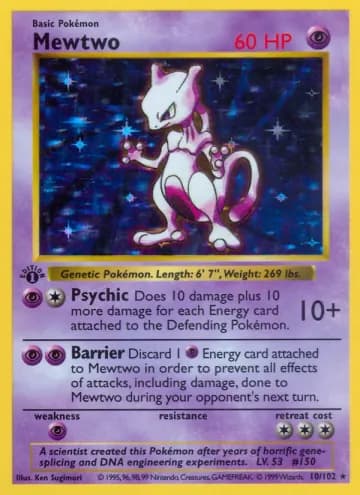
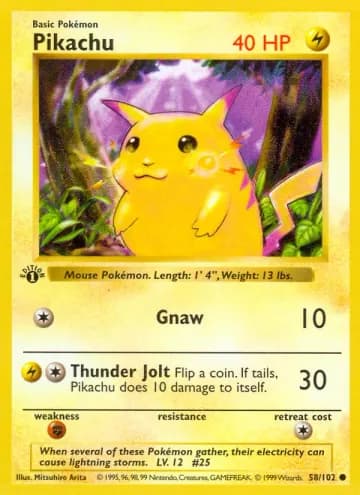
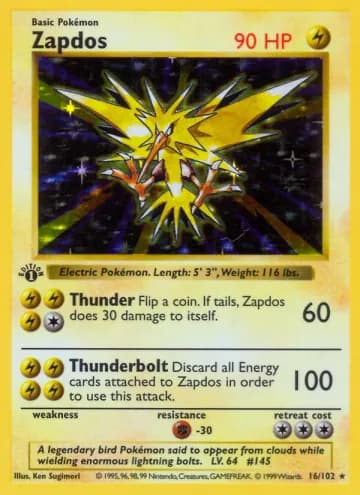
Inside each pile, put the cards in number order, lowest to highest. A card marked 025/165 goes before one marked 026/165.
Protect
Sleeve the cards that matter
Put each card you care about in a soft sleeve, then in a binder page. For your very favourites, add a stiff top loader. Choose sleeves that fit well, because a loose sleeve lets the card slide and rub its corners.
Store everything upright and dry
Binders and boxes should stand up, not lie in a pile. Fill boxes so cards cannot lean and bend. Keep them away from sun, heat and damp, and do not stuff a binder page: cards should slide in with no push.
Log it
A sorted box is good. A sorted box that you also have on your phone is better. A list tells you what you own when the cards are not with you, which stops you buying a double by accident.
Log your cards in DeckMaster
Add each card by name or by typing its set code and number. DeckMaster suggests the card and you confirm it before it is saved. Adding by photo is coming soon. If you own several copies, add them to the same card and see the count as ×2, ×3 and so on.
The card scanner is coming soon, first for Pro. It will use AI, and AI can get a card wrong, so you will always confirm each card. The plan is that Pro can read a whole binder page, nine cards in one photo.



Keep it tidy
- Add new cards the same day. Ten seconds now saves an hour of sorting later.
- Mark the condition when you log a card, so you know what is good for trading. See "Card conditions".
- Use a wishlist for the cards you are missing. You can take it to the shop.
- Check your list once a month. Move doubles to the trade box and refill the binder.